See who’s on the way, how many minutes out, and who got there first. The group chat can go back to memes.
7 days free, then one plan covers the whole family. Works in your browser today.

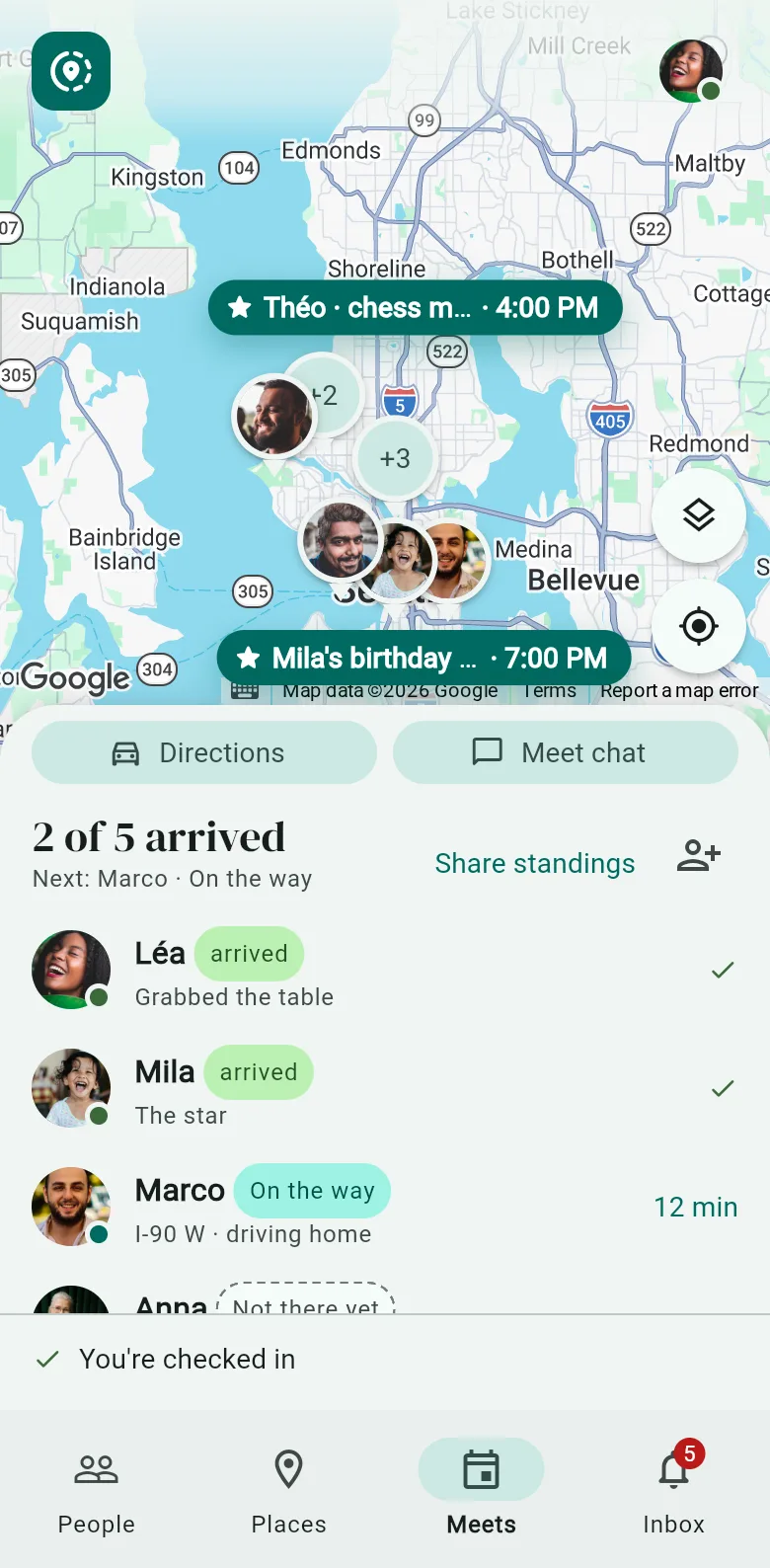
Pick a place and a time. Everyone sees who’s there, who’s on the way and how many minutes out. The first one there tops the standings. Everyone else gets a number.
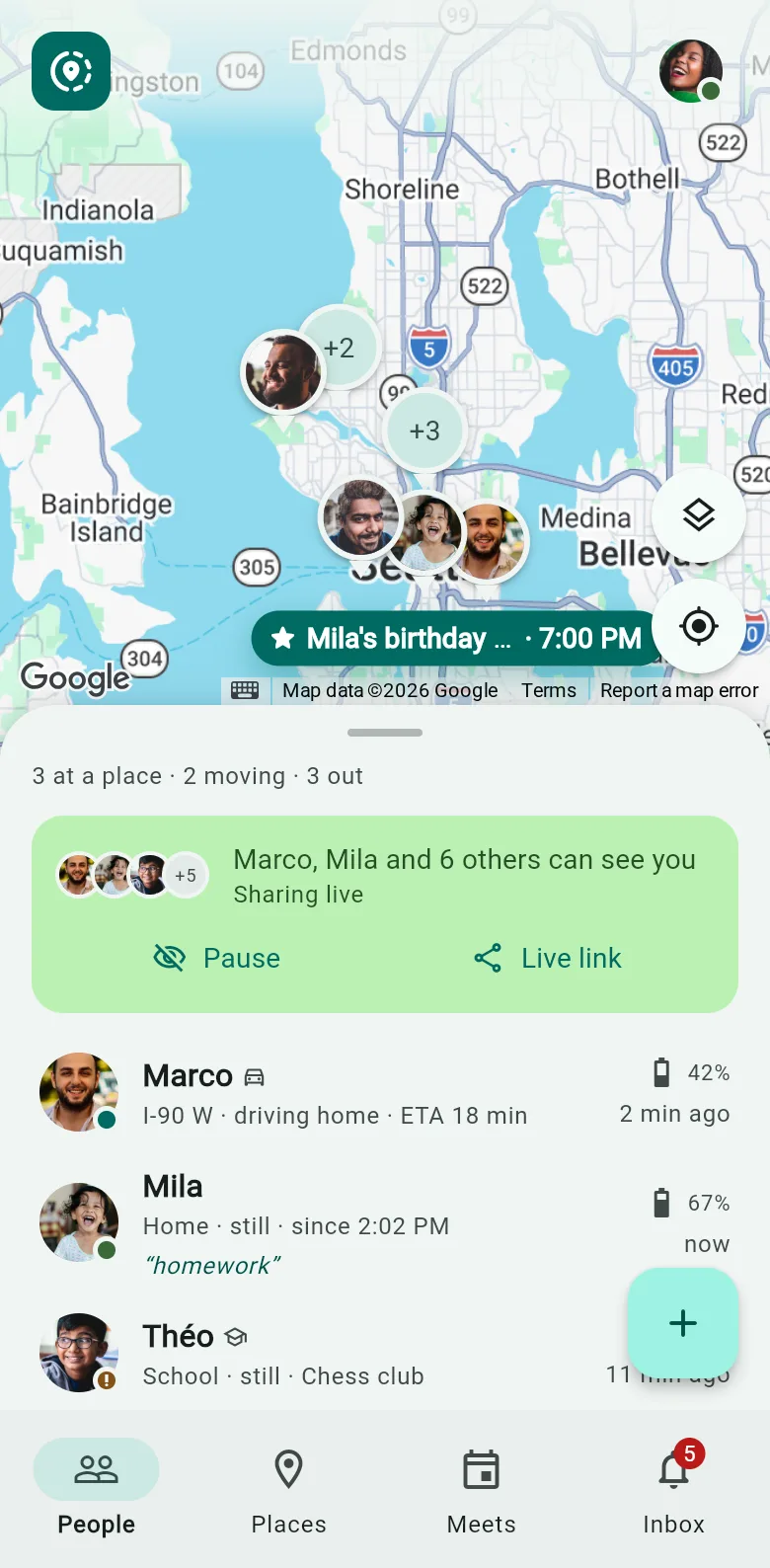
One map with everyone on it, and a card for each: where they are, since when, and how much battery is left. “My phone died” now comes with proof.
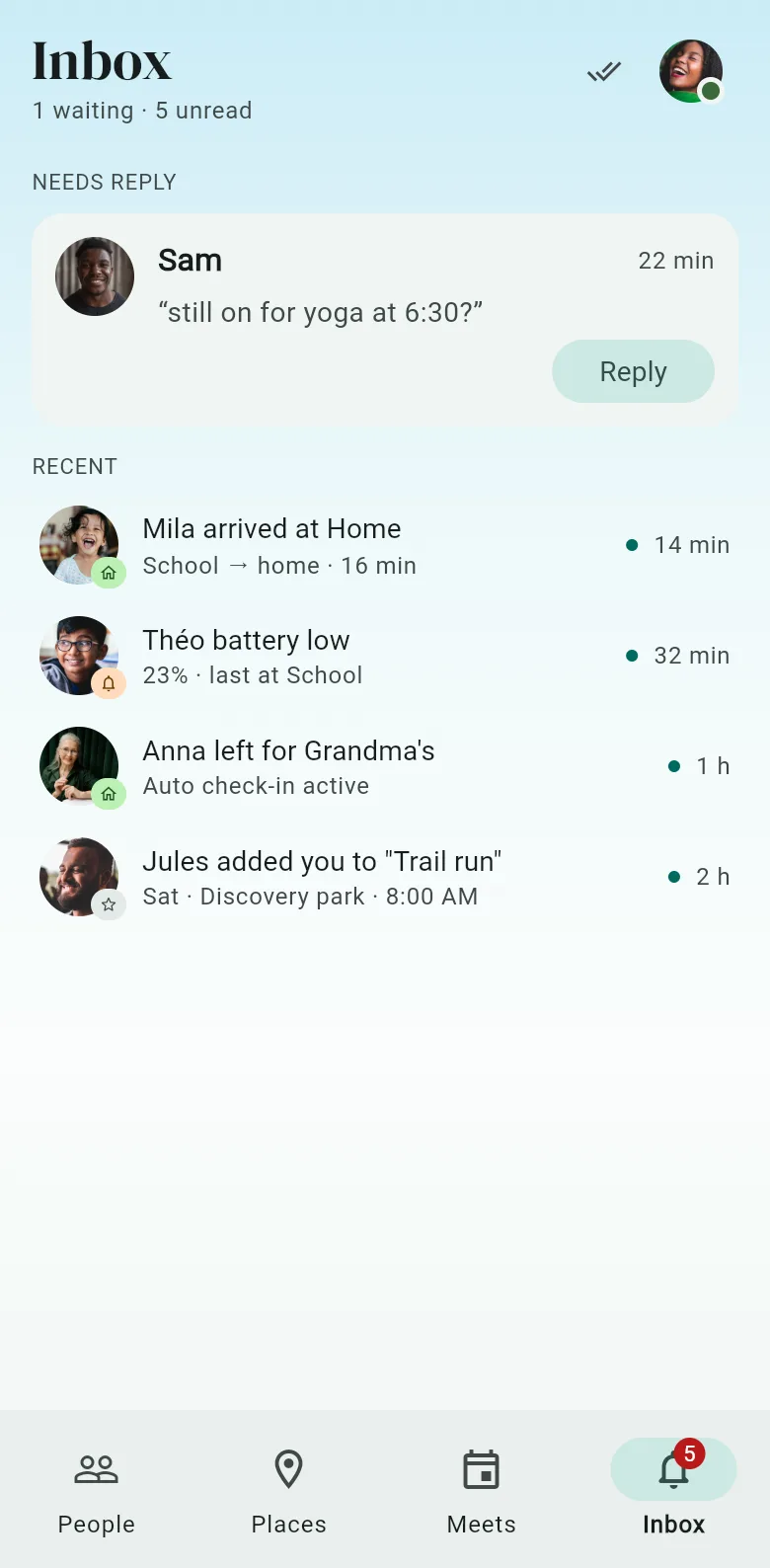
Save the places that matter. When someone gets home, leaves school or heads to Grandma’s, it shows up in your inbox. Nobody had to text “here”.
Twelve texts of “5 min!” (it is never 5 min), or one screen that already knows.

Nothing is shared until you turn it on. What you share ends on its own, or when you say. And nobody ever gets a guess dressed up as your location.
Your dot leaves the map. Your people see that you’ve paused, never where or why. You can still see them, because you’re nosy too.
Send a link. It opens in any browser and shows where you are and how many minutes away. It switches off when you arrive, or when the time you picked runs out.
You show at the last place you really were, marked as earlier. No pin is ever guessed, so nobody panics over a dot you never were.
Everyone you add sees the same thing, and you see them back. No hidden viewers, and nobody gets to be boss of the family.
Your name and photo come along. Nobody asks you to invent a password.
Send a link or show a QR code. They tap it. That’s the whole ceremony.
Turn it on, plan a meet, and watch people arrive instead of texting “where r u”.
The first 7 days are. After that, FamilyFlux Plus is one plan for the whole family: $39.99 a year or $6.99 a month in the US, less elsewhere. The people you invite never pay; your plan covers them.
No. Everyone who can see you is on one list, by name, and you can see them too. Fair’s fair.
Sharing is off until you turn it on, and live links end on their own. No phone reports all day by accident.
No. A meet has a live link that opens in any browser and shows where you are and how many minutes away. It ends by itself.
All of them, through the browser at app.familyflux.com. The Android and iOS apps are the same app and are on their way to the stores.
 FamilyFlux